About the Group Settings List Screen
Overview
In the Group Settings list, you can view the list of Group Settings and add, update, delete, and import Group Settings.
How to Access the Group Settings List Screen
Click the Group Settings link on the Home screen or in the common header.
Group Settings List Screen

Items in the Group Settings List
| Item | Description |
|---|---|
| Name | Specify a name to identify the Group Settings within 256 characters. The name must be unique among Group Settings. Clicking the name displays the Group Settings screen for that Group Settings. |
| Operation () | Performs the update operation for that Group Settings. |
| Operation () | Performs the delete operation for that Group Settings. |
Adding Group Settings
-
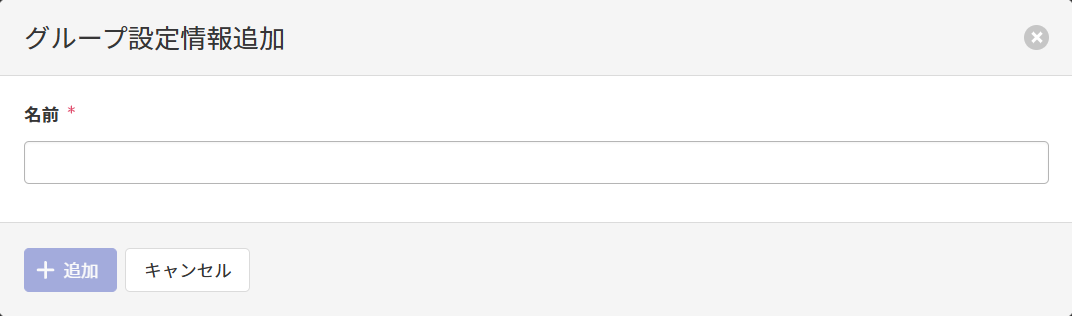
Clicking Add displays the Add Group Settings screen.
-
Referring to the Name item here, enter the Name and click Add.
Importing Group Settings
-
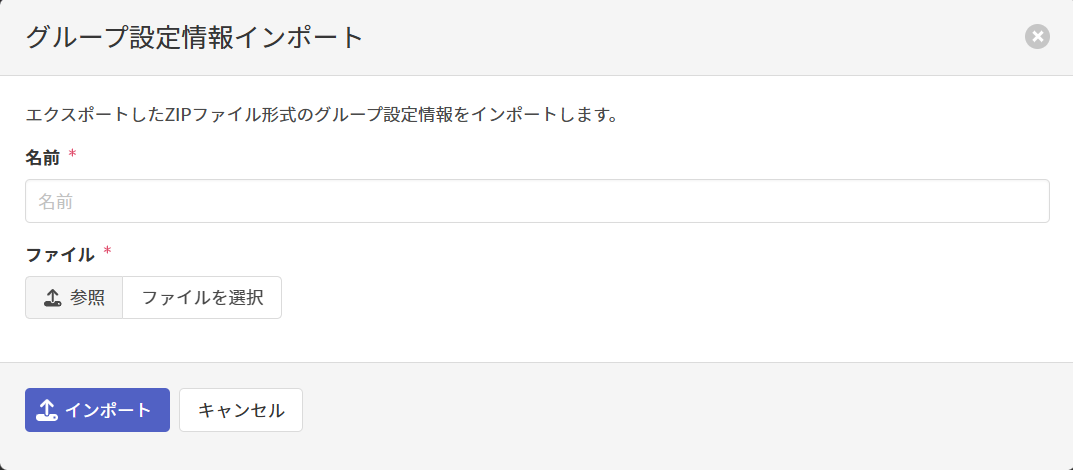
Clicking Import displays the Import Group Settings screen.
-
Referring to the Name item here, enter the Name, set the ZIP file exported here as the File, and click Import.
Updating Group Settings
-
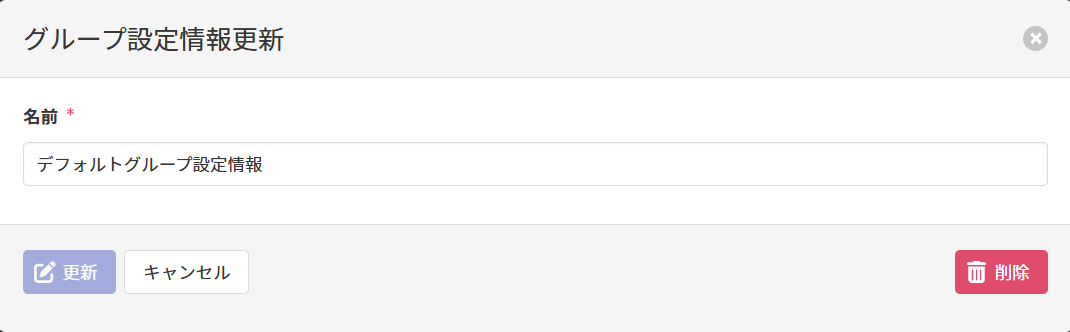
Clicking displays the Update Group Settings screen.
-
Referring to the Name item here, update the Name and click Update.
Deleting Group Settings
-
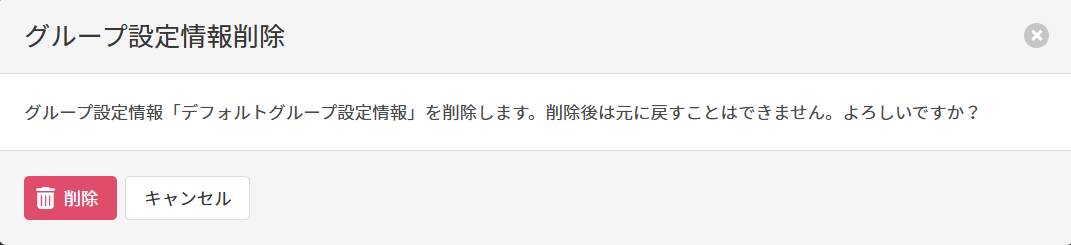
Clicking displays the Delete Group Settings screen.
-
Click Delete.