About the Files Screen
Overview
On the Files screen, you can export settings information in ZIP file format.
There are three types of Files screen: one for Tenant Settings, one for Group Settings, and one for User Settings.
How to Access the Files Screen
-
Tenant Settings
In the Tenant Settings screen, click Files in the menu on the left of the screen. -
Group Settings
In the Group Settings screen, click Files in the menu on the left of the screen. -
User Settings
In the User Settings screen, click Files in the menu on the left of the screen.
Files Screen
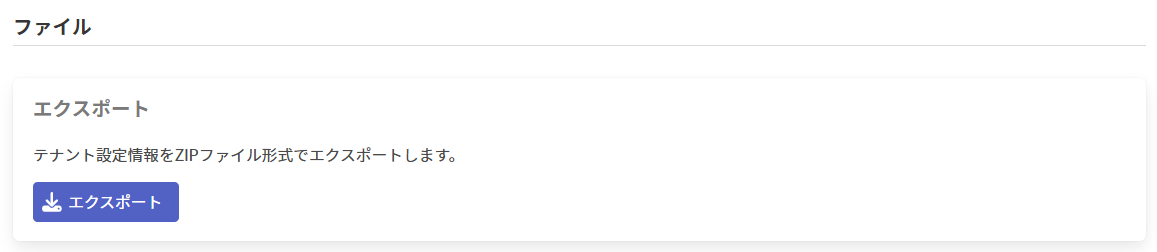
Exporting Settings Information in ZIP File Format

-
Click Export to export the settings information in ZIP file format.
The file name for each type of settings information is as follows.Settings information File name Tenant Settings tenantSettings.zip Group Settings groupSettings.zip User Settings userSettings.zip
The files that users can import from the OAI add-in are one of the following.
・User configuration data exported from the Administrator Outlook Add-in
・Configuration files exported from the User Outlook Add-in
Tenant Settings and Group Settings cannot be imported.