Updating an Excluded Address
This section describes the operations available on the Excluded Address Update screen, which is accessible from the Internal Domain screen.
Excluded Address Update Screen
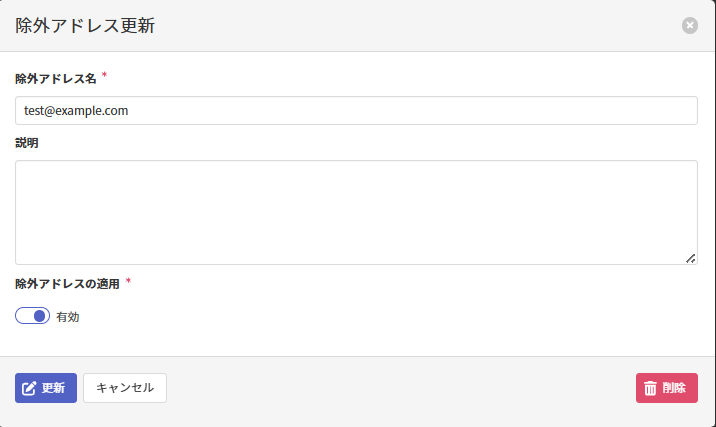
Updating an Excluded Address
On the Excluded Address Update screen, enter the following items and click Update to update the excluded address.
| Item | Description |
|---|---|
| Excluded Address必須 | Update the excluded address by referring to here. |
| Description | Update the description by referring to here. |
| Apply Excluded Address必須 | Update the excluded address's enablement status. |
Deleting an Excluded Address
On the Excluded Address Update screen, click Delete to delete the excluded address.