Bulk-Adding Internal Domains
This section describes the operations available on the Bulk Add Internal Domain screen, which is accessible from the Internal Domain screen.
Bulk Add Internal Domain Screen
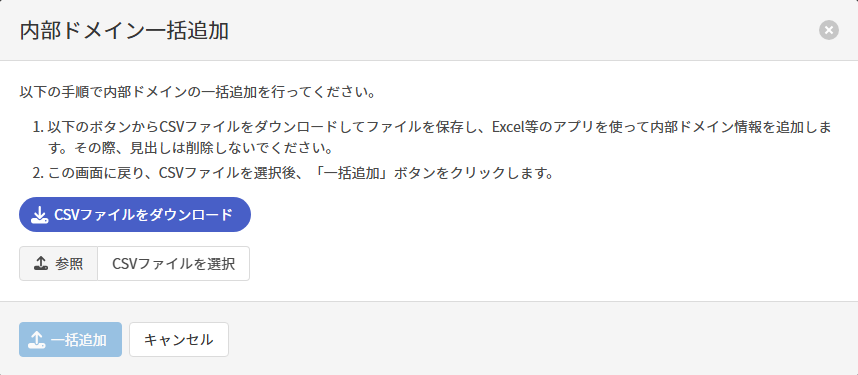
Download CSV File
Clicking Download CSV File downloads a CSV file for bulk-adding internal domains.
Add the internal domain information to the downloaded CSV file using an application such as Excel. When doing so, do not delete the header row.
Bulk-Adding Internal Domains
Enter the following items in the CSV file, specify the file, and click Bulk Add to update the internal domains.
| Item | Description |
|---|---|
| Domain必須 | Update the internal domain name by referring to here. |
| Type必須 | Update the internal domain match type by referring to here. Enter ENDS_WITH for suffix match, EQUALS for exact match, and STARTS_WITH for prefix match. |
| Description | Update the description by referring to here. |
| Enabled必須 | Update the internal domain's enablement status. Enter true for enabled and false for disabled. |