Adding an Internal Domain
This section describes the operations available on the Add Internal Domain screen, which is accessible from the Internal Domain screen.
Add Internal Domain Screen
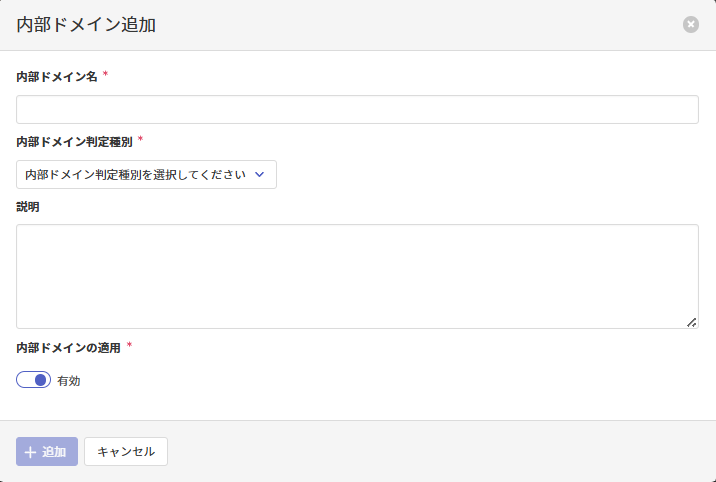
Adding an Internal Domain
On the Add Internal Domain screen, enter the following items and click Add to add the internal domain.
| Item | Description |
|---|---|
| Internal Domain Name必須 | Specify the internal domain name by referring to here. |
| Internal Domain Match Type必須 | Specify the internal domain match type by referring to here. |
| Description | Specify the description by referring to here. |
| Apply Internal Domain必須 | Specify whether to enable the internal domain after adding it. |