Updating a Rule
This section describes the operations available on the Rule Update screen, which is accessible from the Rule Assignment screen.
Rule Update Screen
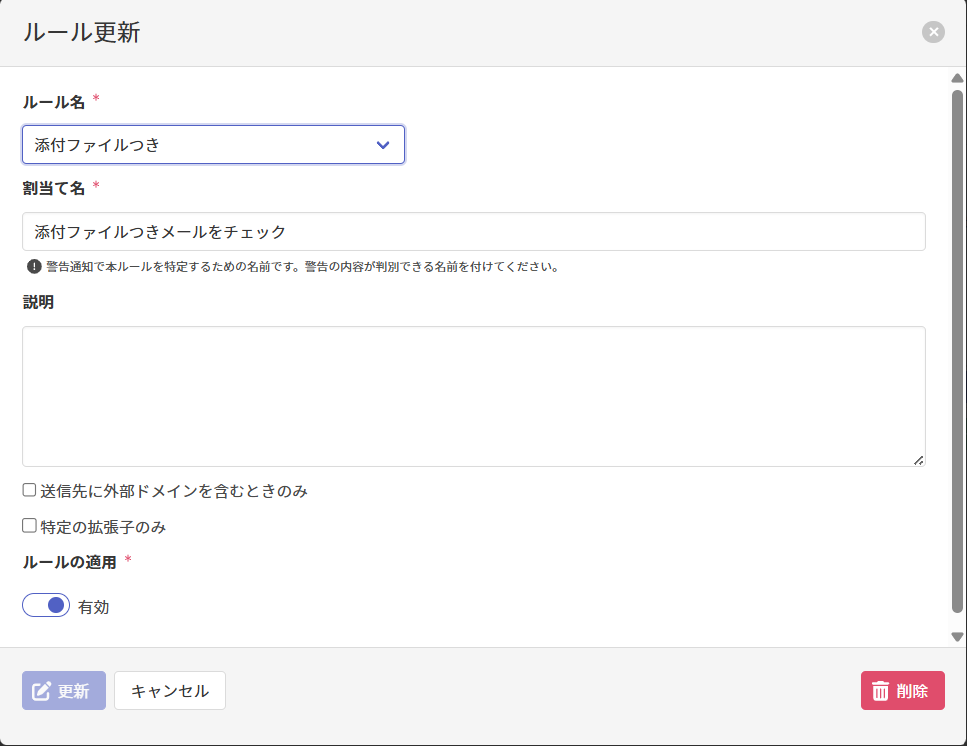
Updating a Rule
On the Rule Update screen, enter the following items and click Update to update the rule.
| Item | Description |
|---|---|
| Rule Name必須 | Update the rule name by referring to Rule Name in this section. |
| Assignment Name必須 | Update the assignment name by referring to Assignment Name in this section. |
| Description | Update the description by referring to Description in this section. |
| Rule Options | Update the rule options by referring to Rule Options in this section. |
| Apply Rule必須 | Update the rule's enablement status. |
Deleting a Rule
On the Rule Update screen, click Delete to delete the rule.